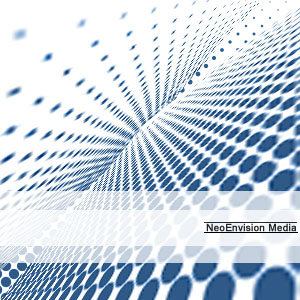
1. Create a 300x300 pixel file, white background, RGB mode.
2. Create a new layer, do a gradient on it as shown.

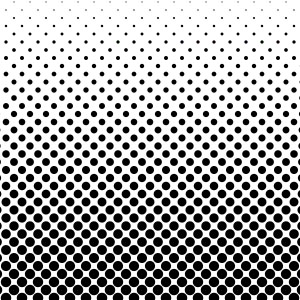
3. Apply Filter-> pixelate-> color halftone, play around with the properties, maker sure the 4 channels has the same value.
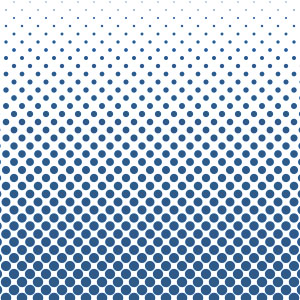
4. Ctrl+u , colorize them
5. Duplicate and transform the dots layer, add decoration