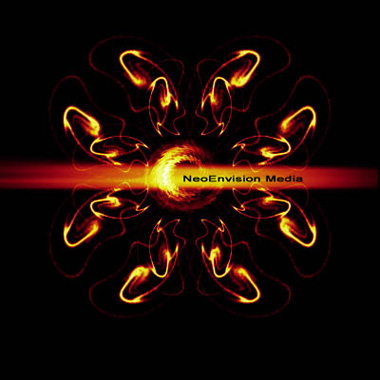
1. Create a 400x400 pix file with black background, then create a new layer, draw some whatever lines on the canvas
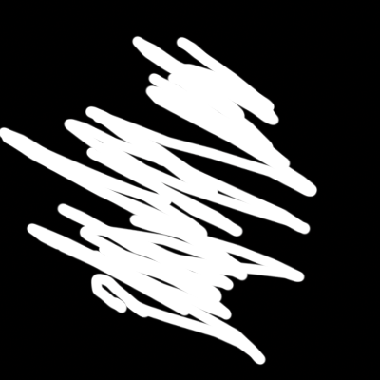
2. Apply filter ---> blur ---> motion blur, with a small distance. then apply filter ---> distort---> ripple, set amount to 999
3. Apply filter --> distort --> polar
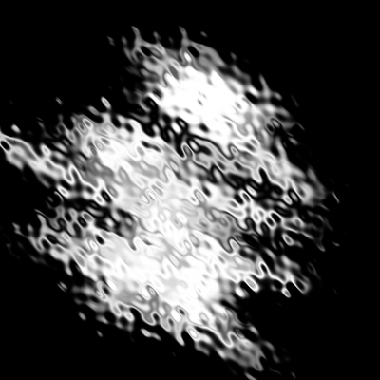
4. Set gradient map for this.
5. now you should have something like this, duplicate this layer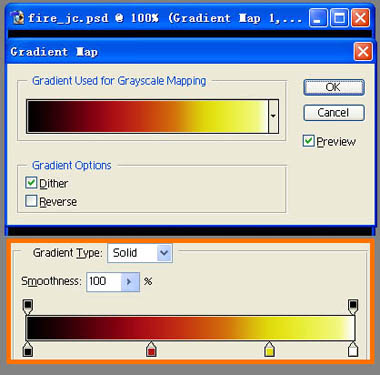
6. Apply filter ---> distort ---> polar, repeat about 6 to 7 times.
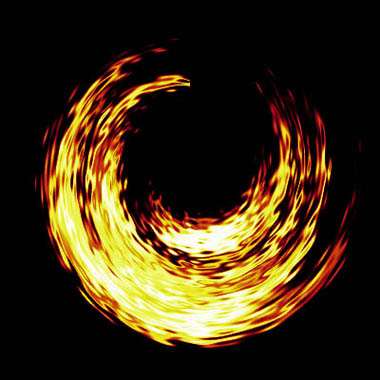
7. now it's time to use your own creativity. to free transforms, rotates and duplicates to do something like this
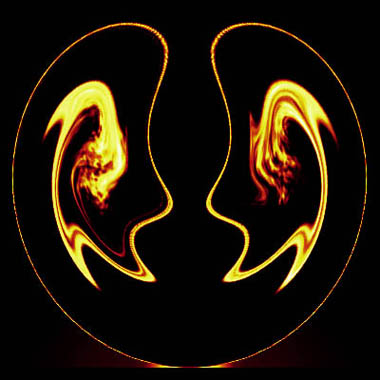
8.
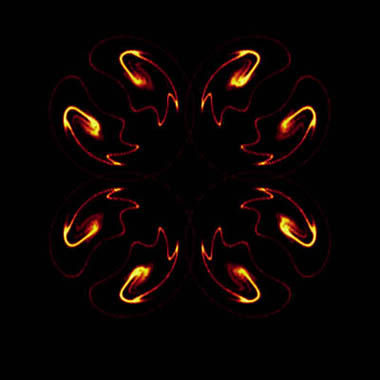
9. The light in the middle, just paint a bit with paint brush , then apply motion blur
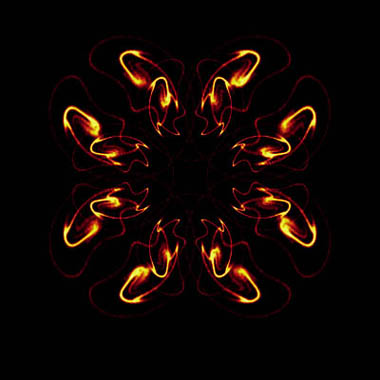
10. Add decoration.