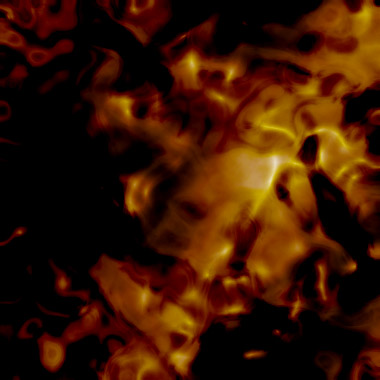
1) Make a new document, anysize doesn't matter. Now press "D" on your keyboard to reset the foreground and background colors to black and white. Make sure your background is BLACK.
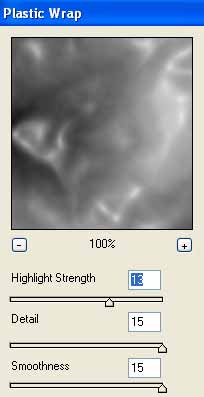
2) Apply Filter>Render>Clouds. Then apply Filter>Artistic>Plastic Wrap with these settings:
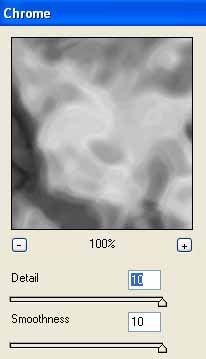
3) Make a NEW layer. On the new layer apply Filter>Render>Clouds. Then apply Filter>Sketch>Chrome with the following settings:
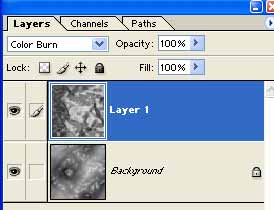
4) Change the blending mode to Color Burn.
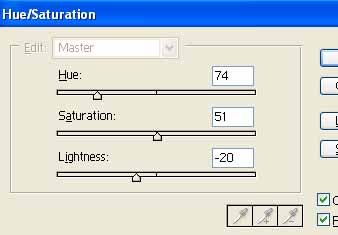
5) Now apply color to each of the layers. On the top layer press CNTRL+U. Set the colors to:
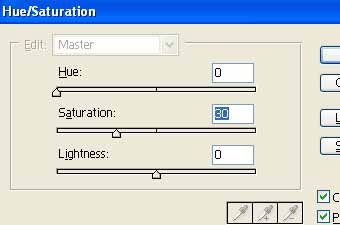
6) Then apply colors to the bottom layer:
Voila!