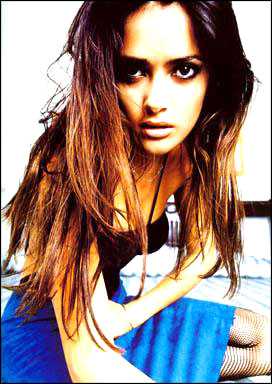
1. open a image
2. duplicate the background layer
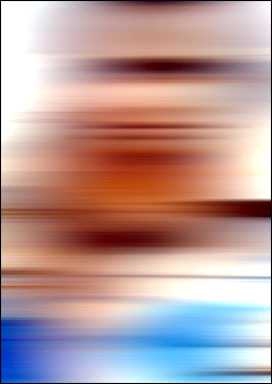
3. apply filter --> blur--> motion blur, adjust amount so you have something similar to this
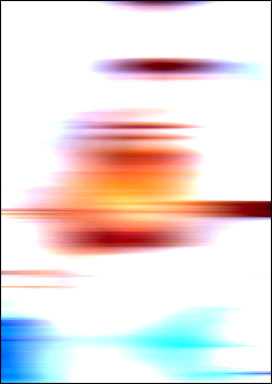
4. create a new layer on the very top in layer panel, set background color to white, front color to whatever color you want the light color to be, apply filter--> render --> clouds
then set the layer's blending mode to Color Dodge, you would see something like this.
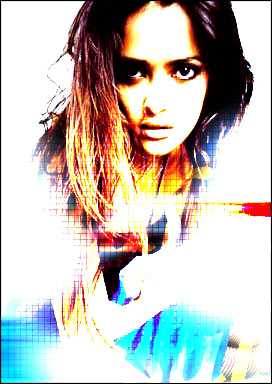
5. use mask or eraser to eraser some parts that you want to show the picture, and do some decoration, here we go