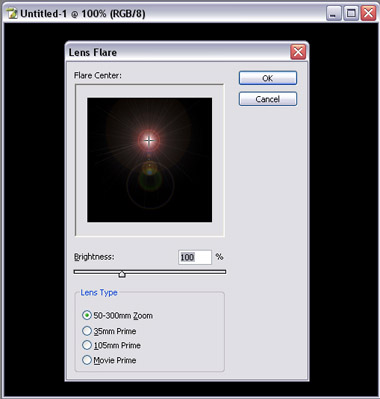
1. Create a new file with size 500x500 pixel, RGB mod, 300DPI, white background. Fill background with black. Apply filter---->Render-----> Lens Flare
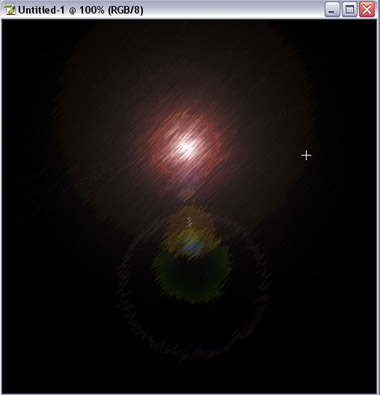
2. Apply filter---> Brush stroke ---> Sprayed strokes (Stroke length: 20 , Spray Radius: 18 , Stroke Direction: Right Diagonal)
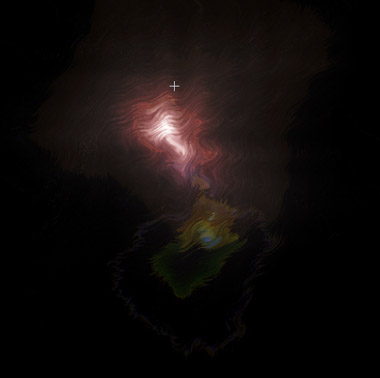
3. Apply filter--->Distort--->wave (default setting)
4. Apply filter--->sketch--->chrome (Detail:0 , Smoothness: 20)
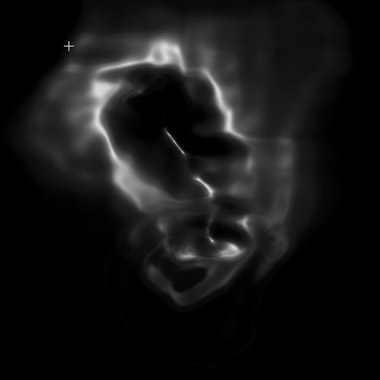
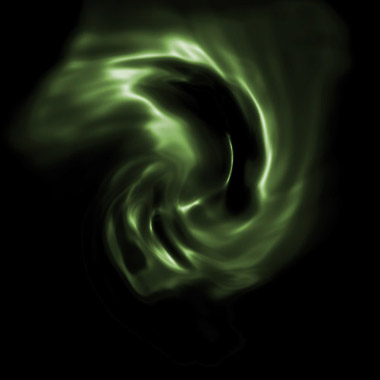
5. Apply filter--->Distort--->Twirl (play around with it till it looks nice)
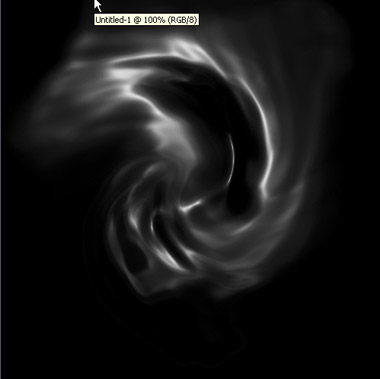
6. Apply Hue/Saturation (CTRL+U) , check colorize box, play around with it.