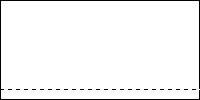
Step 1: Create a new 200px by 100px document with a white background, add a new transparent layer on top, and select it. Then, using the single row marquee tool, select a row near the bottom.
Step 2: Choose Filter > Noise > Add Noise from the menu, and insert an Amount of 400, Distribution of Gaussian, and Monochromatic is checked. Edit > Free Transform > Scale move up and hit enter on the keyboard.
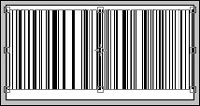
Step 3: Trim the sides with the marquee tool and hit "del" on your keyboard. This makes it look nice and adds the box effect.
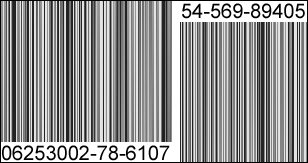
Step 4: Now, add some number to the bottom, Violla!