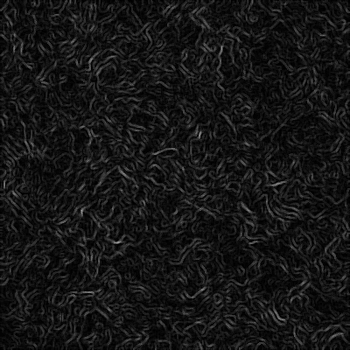
In this tutorial you will learn how to make a dark wire covered mayham background like seen in the movie The Matrix.
1) Make a 400x400 document. Make a new layer and fill it in with a white. Now press "D" on your keyboard to reset the foreground and background colors to black and white.
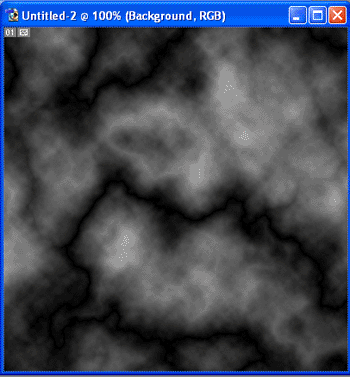
2) Now on Layer 1 apply Filter>Render>Difference Clouds. Press Cntrl+F 3 times, this makes it a bit darker. Your image should look somewhat like this:
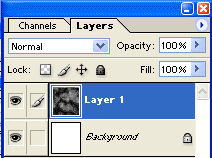
Confused about your layers? This is what my layer window looks like:
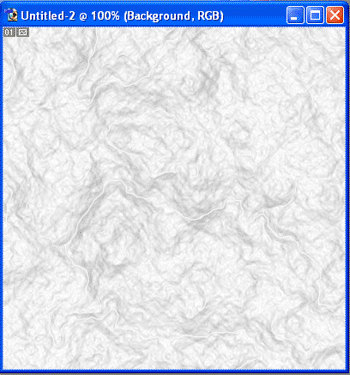
3) Now we apply fine edges, we do this by going to Filter>Style>Fine Edges. Your image should now look like:
4) Now apply Filter>Stylize>Glowing Edges. To add a crisper effect to the wires go to Filter>Sharpen>Sharpen. Your now finished, your image should now look something like: