1.) To create a Neon Text create new image, 300 x 100 its ok.
2.) Type your text in Black Color
3.) Layer -> Flatten Image
4.) Image -> Adjustment -> Invert

5.) Filters -> Blur -> Gaussian Blur
Radius: 2
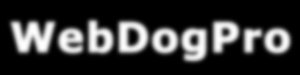
6.) Filters -> Stylize -> Solarize

7.) Image -> Adjustment -> Auto-Contrast. **Edit**Then Filter>Stylize>Wind apply this from left and right.

8.) If you want, you can change colors in Image -> Adjustment -> Hue/Saturation and set Colorize and set your colors :) ENJOY!!