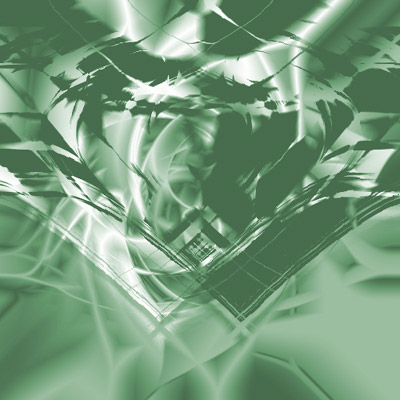
1.) Make a new image 500x500 px
2.) Grab the gradient tool en click 20 times trough the screen (difference mode)
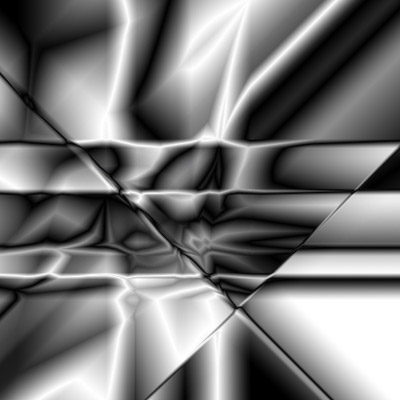
4.) Grab the top layer and go to Filter -< Distort -< Twirl and put amount on 200
5.) Grab the layer below and again go to Filter -< Distort -< Twirl but now with an amount off -200
6.) Put the blending mode off your top layer on lighten and merge those 2 layers (ctrl+e)
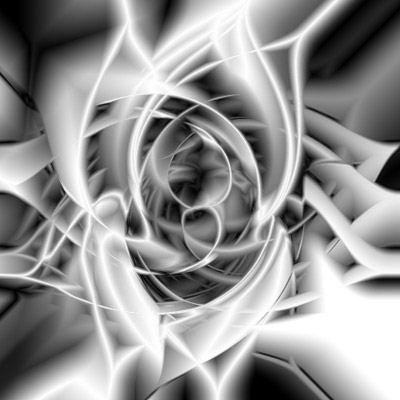
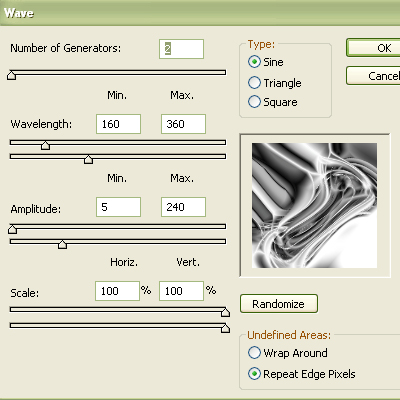
9.) Duplicate your layer and go to Edit -< Transform -< Flip horizontal and put your blending mode on lighten
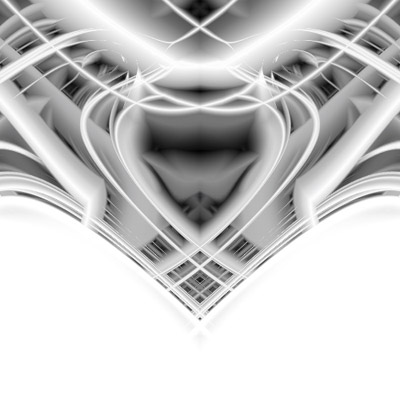
11.) Then go to Filter -< Stylize -< Emboss and use this settings:
Angle: 180°
Height: 100 Pixels
Amount 500%
12.) Then go to Filter -< Distort -< Glass and use this settingsHeight: 100 Pixels
Amount 500%
Distortion: 5
Smoothness: 15
Texture: Frosted
Scaling: 200%
And put invert on
13.) Put the blending mode on Multiply and merge the layers and give it
an color like thisSmoothness: 15
Texture: Frosted
Scaling: 200%
And put invert on