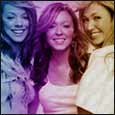
This isnt a really complecated tutorial, this effect i have seen on layouts. Such as this

1. If you start by opening your image, this example we used Atomic kitten

2. Hold CTRL and press U - and move the saturation bar all the way to the left. which will turn the image grey scale.
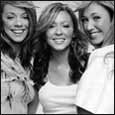
3. Make a new layer - Layers > New > Layer, and name it gradient.
4. Grab the gradient tool, and give it the following settings
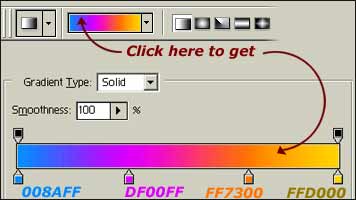
6. Click near the right hand side of your image, and drag your mouse all the way to the left.
7. On the layers palate, set the blending options to soft light.