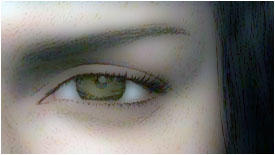
In this tutorial you will learn how to convert your pictures into 2D GRAPHICS.
Step 1
Open Adobe Photoshop and open any real picture.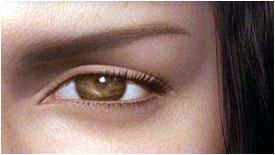
Step 2
Now go to Image->Adjustments->Auto Color (Shift+Ctrl+B).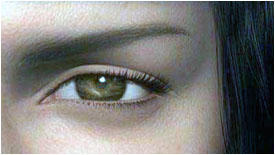
Step 3
Now go to Layer->Duplicate Layer. Or right click on your background layer and click duplicate layer.Step 4
Now go to Filter->Blur->Gaussian Blur. And follow these setting.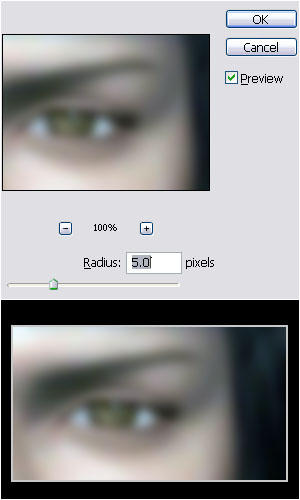
Step 5
Now set the Blending Mode Normal In Layer To DARKEN.Result