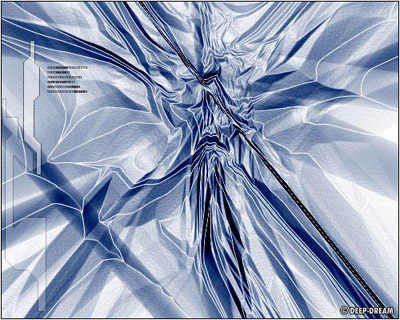
In this tutorial you will learn how to create ABSTRACTS with the help of gradient tool.
Step 1
First of all, Create a new document (Ctrl+N) of any size. I use size 500x400 pixels. And press "D" to reset the foreground and background colors.Step 2
Now select gradient tool (G). Gradient Type: Linear Gradient Mode: Difference , Opacity:100 Reverse: Not Check , Dither: Check , Transparency: Check. And use gradient tool. So it looks something like that: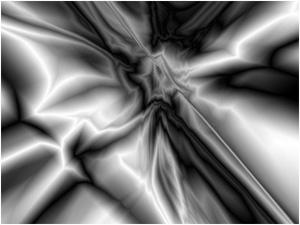
Step 3
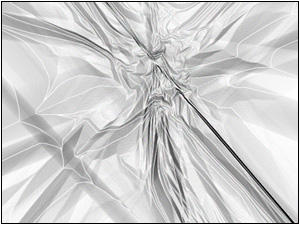
Goto Filter->Stylize->Find Edges. And apply filter.
Step 4
Now goto Image->Adjustments->Hue/Saturations (Ctrl+U). And add some color I use this setting:Hue:219
Saturation:25
Lightness:0
Make sure that u check the Colorize Box.
Result A
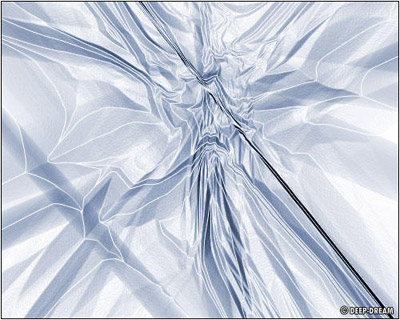
Result B
Ok now duplicate layer goto Layer->Duplicate Layer... And set the blending mode of the layer "Linear Burn".