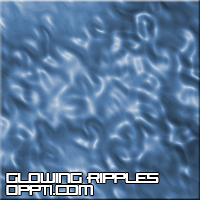
A simple tutorial with extreme outcomes
1. Open a new document in Adobe, with a white background
2. Size it about 300x300
3. Press X then D to set the colours as default
4. Go Filter --- Render --- Clouds
5. Then Filter --- Distort --- Ripple and change the settings

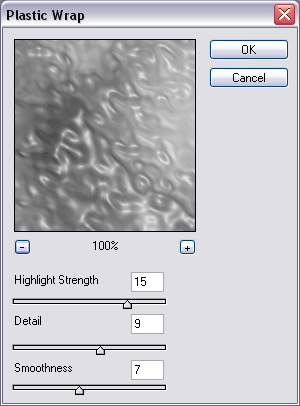
6. Now go Filter --- Artistic --- Plastic Wrap and change the settings
7. To change the colour press CTRL & D (Hue/Saturation)
8. Your finished!
Final image