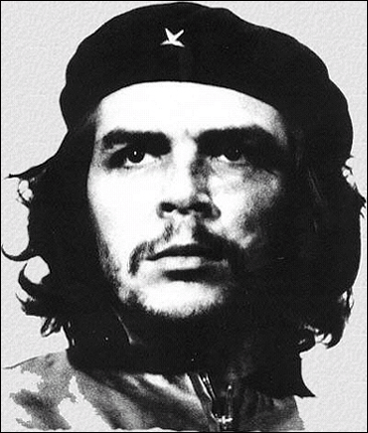
1. open your image of che guevara, you'll find plenty of them on the internet, but remember: it has to be a real photo of our freedom fighter, not an image that has already been modified!!
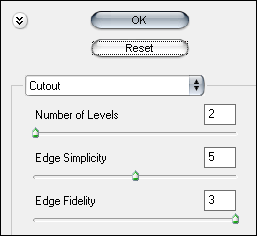
2. go to filter > artistic > cut out and apply these settings or just play around untill you get the effect you like
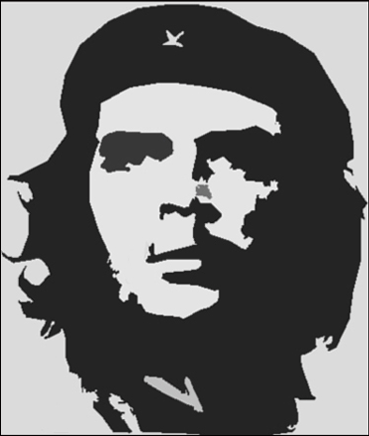
3. now retouch your image if necessary, use the brush or the clone stamp tool to fix some small "left overs"
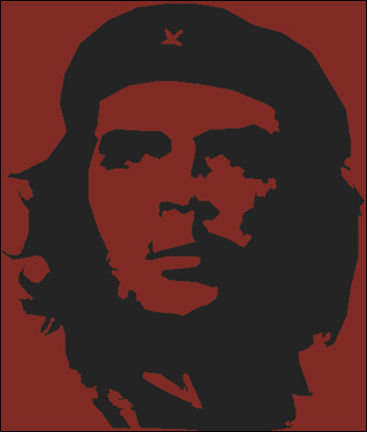
4. hit shift+ctrl+n to create a new layer and fill it with a red color, i used #7f2b24 and change the blending mode to overlay