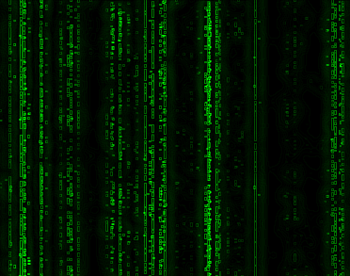
1. create a new document (ctrl+n), make it white. here i'll be using 640x480, don't forget to reset your colors, hit d
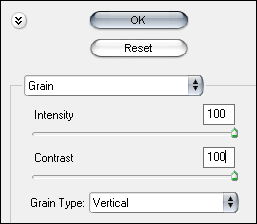
2. filter > texture > grain and use these settings:
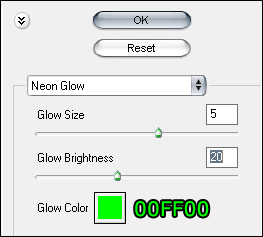
3. Now go to filter > artistic > neon glow and apply the following:
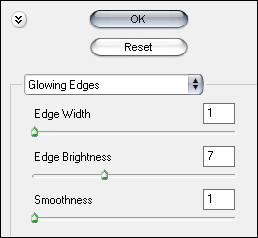
4. Now go to filter > stylize > glowing edges and apply the following: