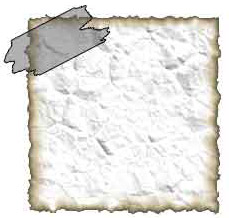
First open up the document you wish to apply your sticky tape to.
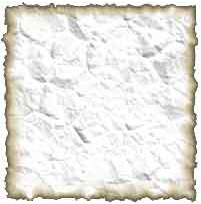
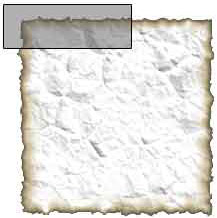
..Create a new layer, and draw on a rectangular selection, then fill it in with a grey colour
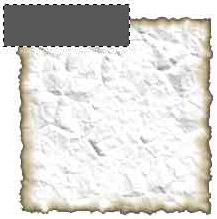
Set the fill to about 50% (may need to be higher or lower depending on the shade of grey you used, see image for guidance)
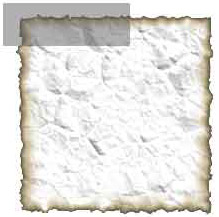
Now add a stroke to the layer, Layer>Layer Style>Stroke.
And put on a 1px dark grey stoke.
Now we need to make the edges look rough, to do this we get the lasso tool.
Then just draw a quick rough selection along the edge of the tape.
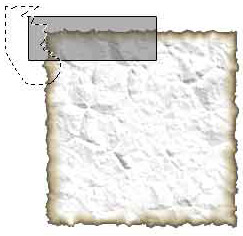
Hit delete, and repeat on the other side.
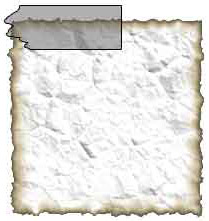
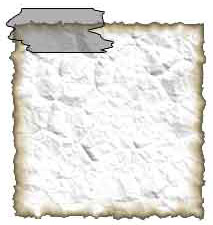
Now just place the tape into position and you're done.