


In this tutorial you will learn how to make a very simple whirlpool effect.
Start by creating a new document on any size with a white background. Set your foreground color to #385A77 which will give you a nice sea blue.
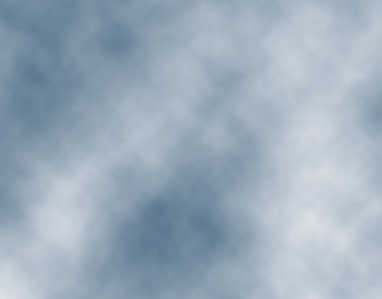
Simply go to Filter>Render>Clouds and you should end up with something like this,
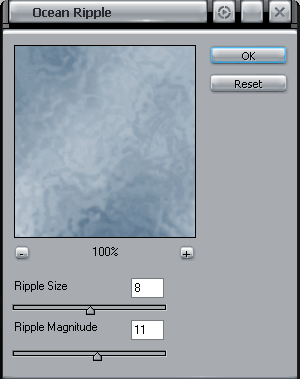
Creating a ripple, that's simple, go to Filter>Distort>Ocean Ripple and set the following properties.
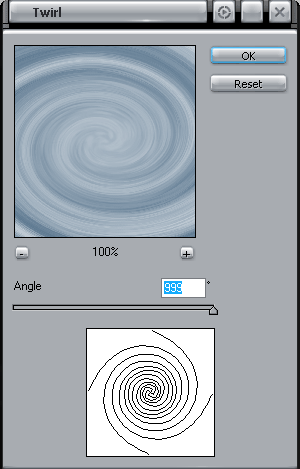
Now we move on to make our whirlpool so go ahead and go to Filter>Distort>Twirl and set the following properties,
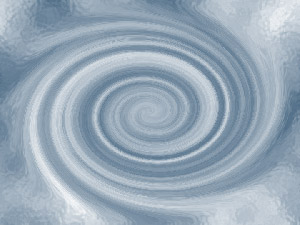
Here's how mine looks,
Now we can add some finishing touches to give it a blasted look, simply go to Filter>Render>Lighting Effects and set the following,
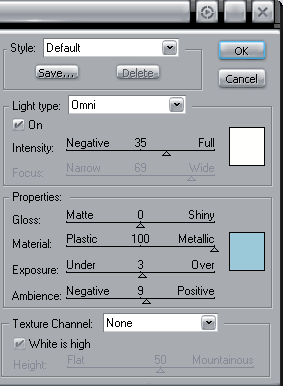 Click to enlarge |
Now you should have something that looks like this,
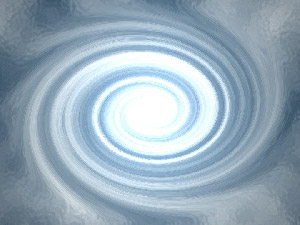
Easy enough right? Have fun!
