


1. Make a new image 600x600 pixels
2. Start making your colors the desert colors (D0C77A and B4A847) If you dont like the colors just simply change them
3. Now go to Filter>Render>Clouds
4. Now goto Artistic>Sponge Make everything at the highest like this:
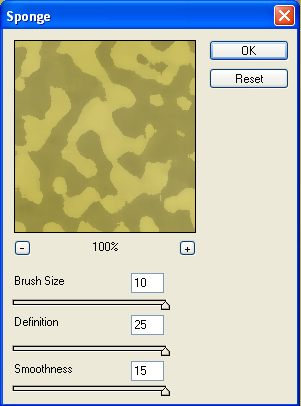
5. Now, Hit Ctrl-F to repeat what you just did. It should add another sponge to it making it look cooler! If it didnt work, just do the sponge again, once or twice depending on what you like.
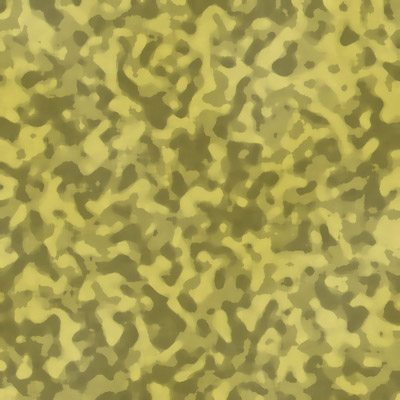
6. Your done! It should look something like this
Bones Addition
I used this technique before and made a simple sig to test it out a while ago and here is how it turned out:

Also try making green camo and the seals camo!
You can also alter the colors after making them by going to image-adjustments-hue/saturation
