


Colour Bleach reduces contrast to create a more equalized photograph.
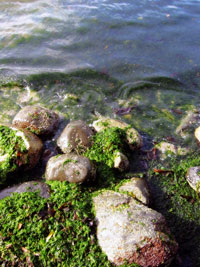 |
1. Open the image for editing. |
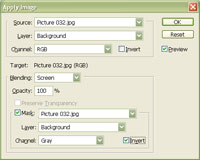 |
2. Use the "Apply Image" tool to apply the following properties:
Blending: Screen
Click OK. |
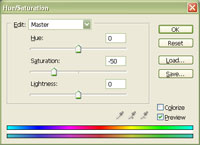 |
3. Use the "Hue/Saturation" tool (Ctrl+U) to decrease the saturation to -50. |
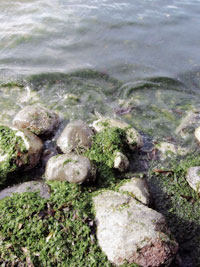
|
4. Rollover the image on the left of this step to see the original image before this technique was applied. |
This tutorial was made to simulate a commercial plugin.
