


A combination of filters used to create realistic grass with bits of leftover grass on top.
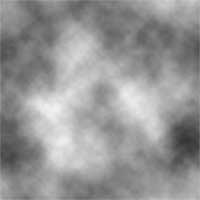 |
1. Create a new document and add a Clouds filter (Filter> Render> Clouds). |
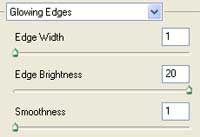 |
2. Add a Glowing Edges filter (FIlter> Stylize> Glowing Edges) with these settings:
Edge Width: 1
|
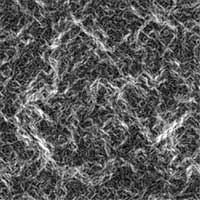 |
3. IIncrease the contrast by applying an Auto Levels (Ctrl+Shift+L). |
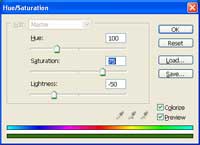 |
4. Colorize the image using the Hue/Saturation tool (Ctrl+U). These are the settings I used:
Colorize: Checked
|
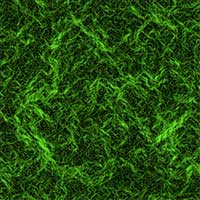 |
5. Here is the result that I got. |
