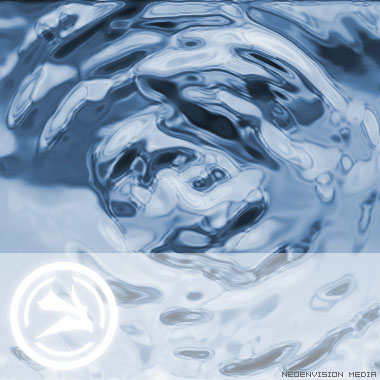
Great water effect to use on webpage headers, wallpapers, splash pages and so much more.
1. Create a 400x400 pix file. Apply filter ---> Render ----> Clouds
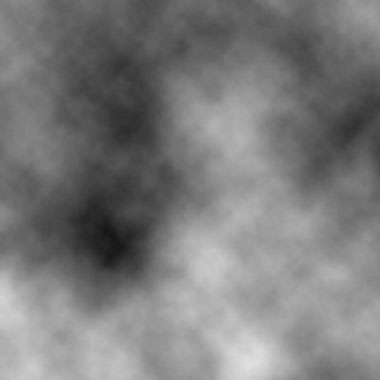
2. Apply filter ---> Blur ---> Radial Blur, Amount: 38, Blur method: spin. Quality: Best
3. Apply filter --> Blur ---> Gaussian Blur, Radius: 2
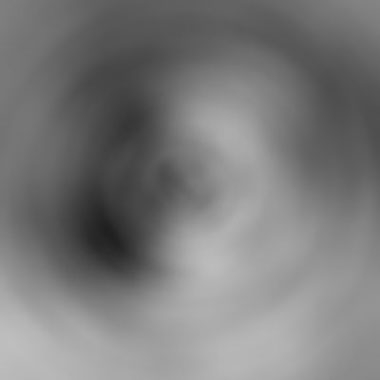
4. Apply Filter---> Sketch---> Bas Relief, Detail: 13, SmoothnessS: 10
5. Apply filter ---> Sketch ---> Chrome, Detail: 5, Smoothness: 2
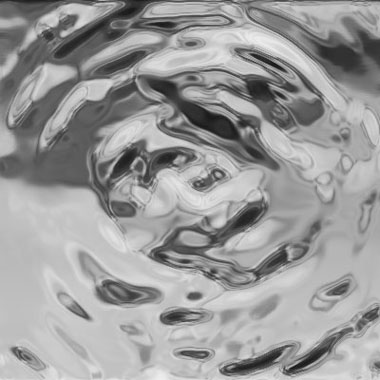
6. Ctrl+U , hue 212, saturation 34, lightness 0
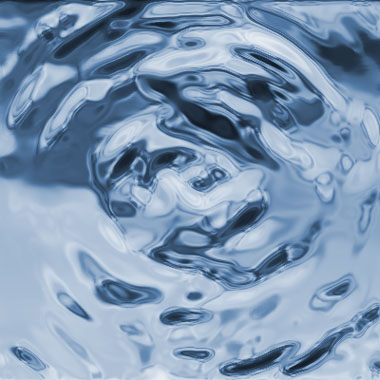
7. Add decorations. Done!