 |
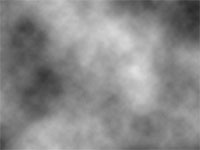
1. Create a new document (Ctrl+N) and render a clouds filter (Filters> Render> Clouds). |
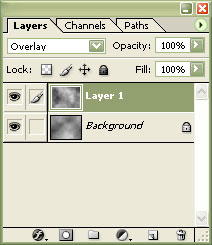 |
2. Duplicate the layer and set the top layer to "Overlay". |
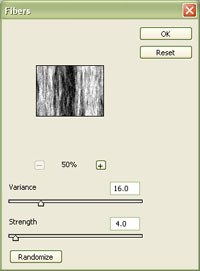 |
3. On the "Background" layer, apply a fibers filter (Filters> Render> Fibre) with the following properties:
Variance: 16
Click OK. |
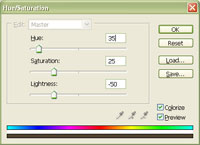 |
4. On the "Background" layer, use the Hue/Saturation tool (Ctrl+U) to apply the following properties:
Colorize: Checkmarked
Click OK. |
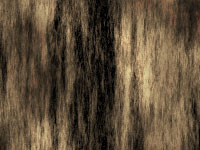 |
5. A wood texture is now created. If your wood appears blotchy, apply a 90º motion blur (Filters> Blur> Motion Blur) to the top layer. |
Her
Wood Texture in a Few Steps
Added:Mar 28, 2005 Rating:
Less than 3 votes yet
Level: Beginner Software:
Photoshop
