

Create black night skies and remove the orange tint in photographs taken during the night.
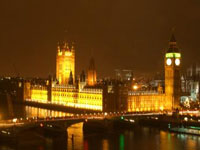 |
1. Open the image for editing. |
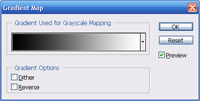 |
2. Add a Gradient Map fill layer (Layer> New Fill Layer> Gradient Map) with the following properties:
Graddient Used for Grayscale Mapping: Black to White
|
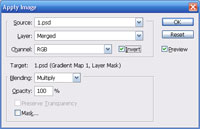 |
3. Select the layer mask of the fill layer and use the Apply Image tool (Image> Apply Image) to apply the following properties:
Layer: Merged
|
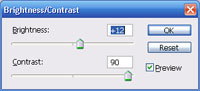 |
4. With the layer mask selected, use the Brightness/Contrast tool (Image> Adjustments> Brightness/Contrast) to tweak the effect. |
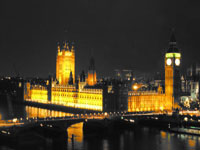
|
5. Rollover the image in this step to see the original image before this Photoshop technique was applied. |
