
For those who do not have Adobe Photoshop CS, learn how to simulate the effects Shadow/Highlight tool to reveal hidden detail in a photograph.
 |
1. Open the image for editing. |
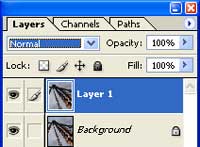 |
2. Duplicate the current layer (Ctrl+J). |
 |
3. On the new layer, invert (Ctrl+I) and desaturate (Ctrl+Shift+U). |
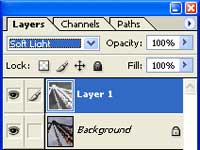 |
4. Change the blending mode of the current layer to Soft Light. |
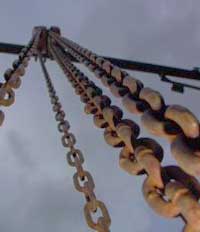 |
5. Rollover the image in this step to see the original image before this technique was applied. |
