


Increase contrast and saturation of skies using a gradient adjustment layer without underexposing dark areas.
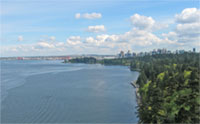 |
1. Open the image for editing. |
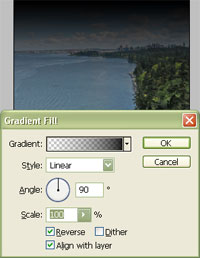 |
2. Add a "Gradient " fill layer (Layer> New Fill Layer> Gradient) and select a "Linear" gradient that fades into the horizon. Click OK. |
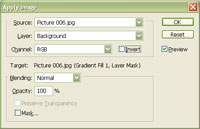 |
3. With the layer mask selected, use the "Apply Image" tool to apply the following settings:
Source: filename
Click OK. |
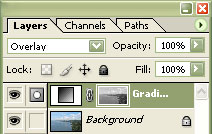 |
4. Set the current layer's blending mode to "Overlay". |
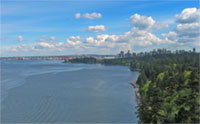 |
5. Rollover the image on the left of this step to see the original image before this technique was applied. |
