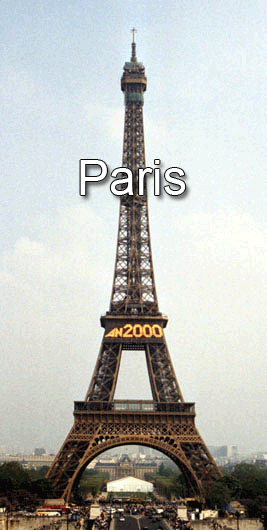
Step 1
Open the image you want to add text to, i will use an image of the Eifel Tower
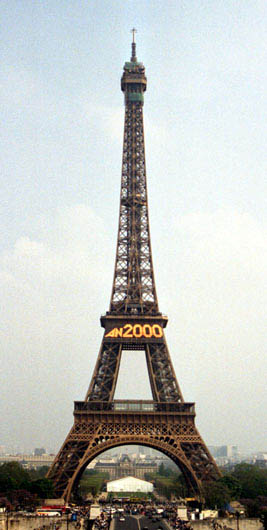
Now grab the text tool and type what you want in any color you want.
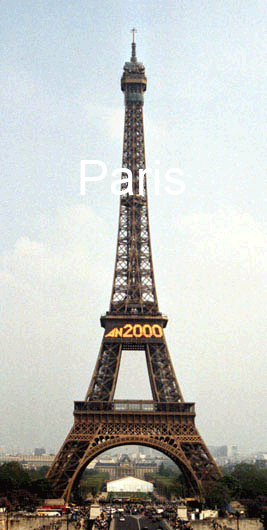
Well, that aint too good, it doesnt stand out at all!
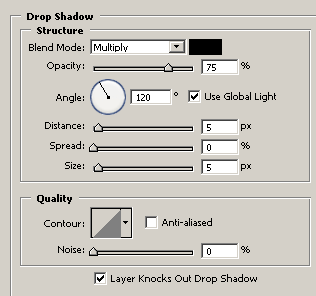
So go to Layer Styles of the text and apply the following
Drop Shadow:
Stroke:
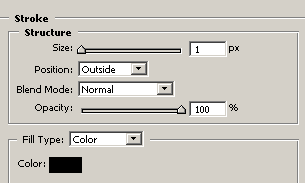
And now your text should stand out a big more