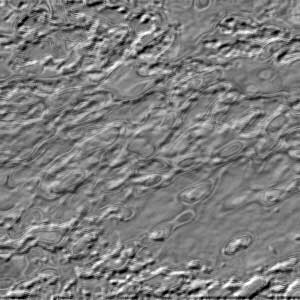
Create a new layer and fill it with black color, then go to Filter>Render>Clouds.
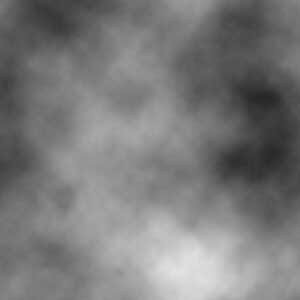
Now go to Filter>Sketch>Bas Relief..., enter 13 for Detail and 3 for Smoothness, press OK.
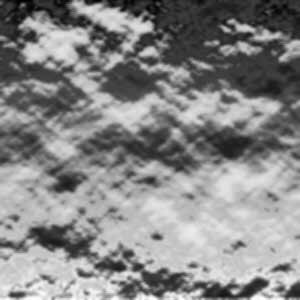
Apply emboss by going to Filter>Stylize>Emboss... For the values enter the following:
- Angle: 135°
- Height: 3
- Amount: 91
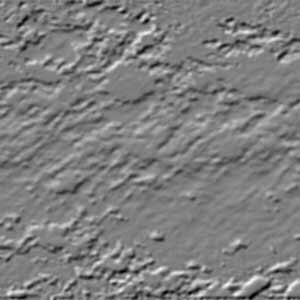
Now we need to sharpen it up a little bit. Simply go to Sharpen>Sharpen, apply it once more.
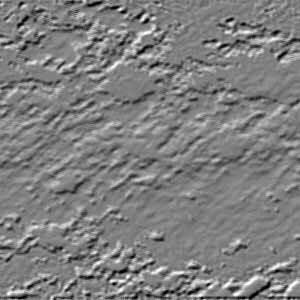
Duplicate your Layer 1. With your new layer active (Layer 1 Copy) go to Filter>Sketch>Chrome, enter4 for the Detail and 7 for Smoothness, click OK. Change your Layer 1 Copy mode to Overlay. Finally duplicate yourLayer 1 copy.