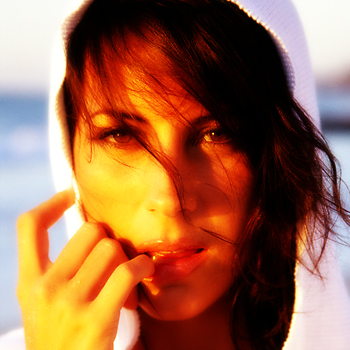
1. Open up the picture and the duplicate the layer, add a filter>blur>gausian blur>3.5, and then set the layer mode to overlay.
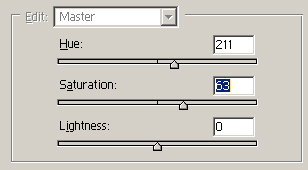
2. Now, with your original layer selected, press ctrl+u and then use the following settings:
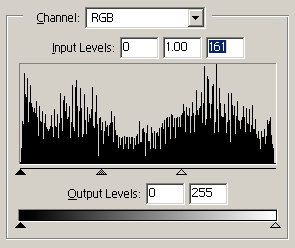
Press ctrl+l and use the following settings:
and click on your duplicate layer, and then press ctrl+shift+u
should have something like this:
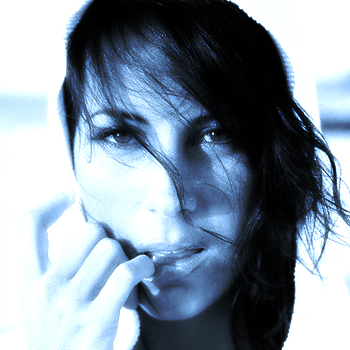
3. Now, Duplicate the bottom layer, and add some filter>noise, and choose a layer mode like overlay...
4. Duplicate the bottom layer again, and this time add a filter>distort>shear.
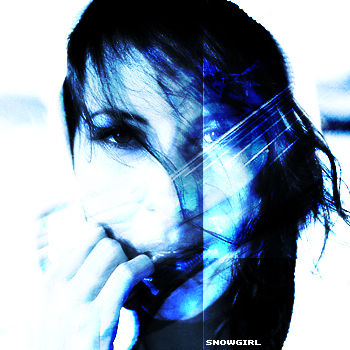
5. Now if you do it right, and play with some edges, without much effort you should have something like this: