


1. create a new canvas and choose a primary colour. I chose blur.
2. use your pen tool to draw a cresent shape with some waves on the inside.
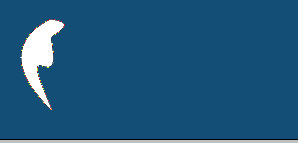
3. Now duplicate the shape, flip horizontally, and then position symetically.

4. Add some text and a slogan:

5. Hell you can even do something like this with some practice:

enjoy!
