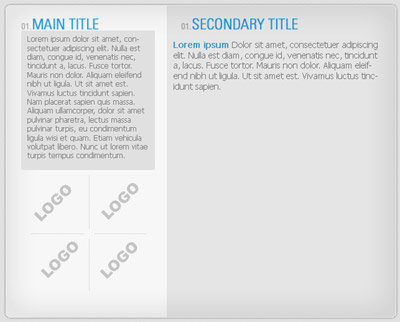
1. You'll need to make a big rectangle selection, double the size that will hold all your content.
2. Go to select > modify > smooth > 5. Then fill it with a very light grey
3. Press ctrl+t to resize your box to the appriopriate size. The size that you want your main content panel to hold.
4.Now add the following effects to the layer
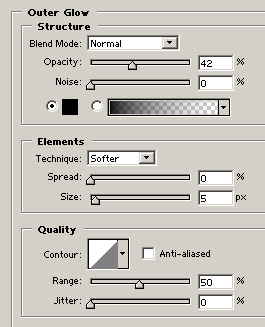
Outerglow:
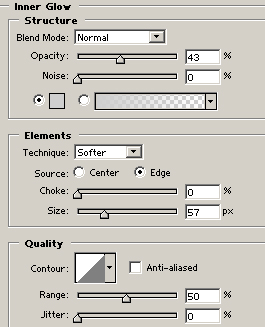
Inner Glow:
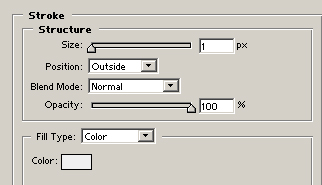
Stroke:
5. Thats basically, it.Creating some text titles and some boxes will give you something like this, the final product: