1) Make a new document, anysize doesn't matter. Press CNTRL+D to reset your pallete colors. Set your background to BLACK or use any color that suits you..
2) Get your graphic or logo you wish to use. I used a brush I downloaded from GreyCobra.com for this tutorial. Make sure all layers are joined, this will be easier when we skew and transform the graphic.
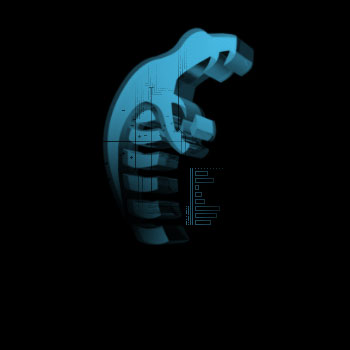
3) Duplicate the layer. Now go to Edit>Free Transform>Skew and skew the graphic like below:
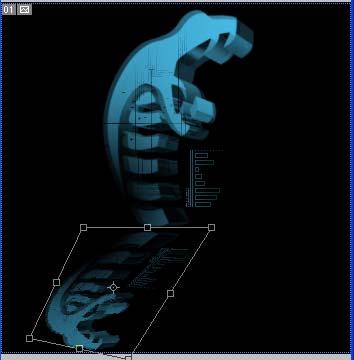
Not all reflections are the same so try adding angles and distort the graphic.
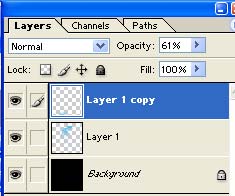
4) Set the Opacity level from 50-70%:
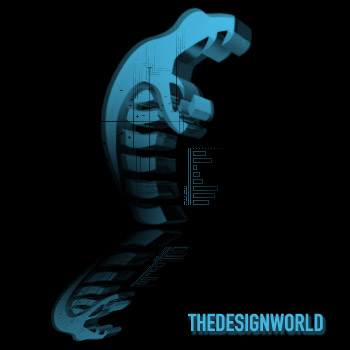
There ya go, heres my reflection: