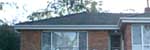
1. Open a picture you want to apply this effect to:
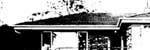
2. Image -> Adjustements -> Threshold
Threshold Level : ~110
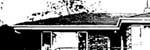
3. Filter - > Stylize -> Diffuse Set the
Mode : Anisotropic
4. Filter -> Sharpen -> Unsharp Mask
Amount :~300
Radius : ~10 pixels
Threshold : 0
Then with
5. Image -> Adjustements -> Hue/Saturation
select colorize
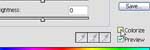
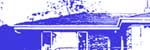
Now you should have something like this: