Her
Home
Photoshop Tutorials
Text Effects
Macintosh Text
Macintosh Text
Author: MickM.com
Author's URL:
www.mickm.com
More by this author
Added:
Apr 21, 2005
Rating:
Level:
Beginner
Software: Photoshop
Follow these guidelines to create the signature.
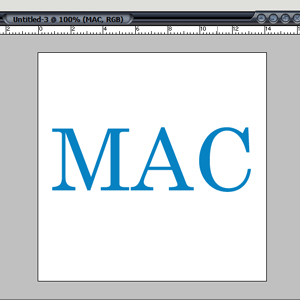
Open up a new image, no matter what size;
Add some text with the color #0682C2;
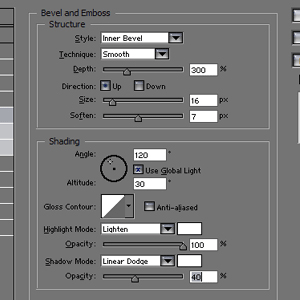
Add these settings to the layer;
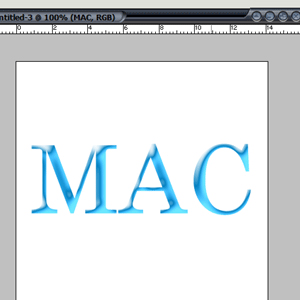
It should look something like this; (If it doens't, play a little 'till you get something like mine..)
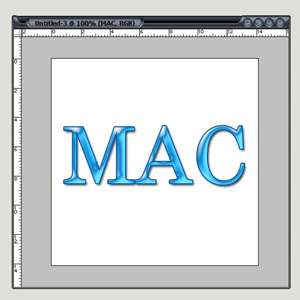
Add a 2 pixel-stroke with the color #0852A5;
Maybe add some Shadow too and you're done.


 Level: Beginner Software:
Photoshop
Level: Beginner Software:
Photoshop 