Her
Home
Photoshop Tutorials
Web Layout
See Through Bar
See Through Bar
Author: MickM.com
Author's URL:
www.mickm.com
More by this author
Added:
Apr 21, 2005
Rating:
Level:
Beginner
Software: Photoshop
Follow these guidelines to make a See-through box.
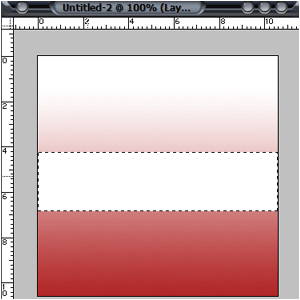
Open up an image any size or background and grab the "Retangular Marquee Tool" and make a selection like mine:
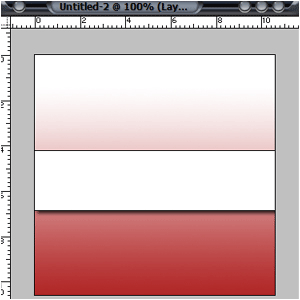
Add a simple Stroke and Drop Shadow. (Just click them, you don't have to set them)
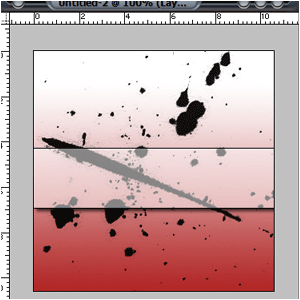
Lower the Fill to 50% and you're done...(You can do this with anything)

 Level: Beginner Software:
Photoshop
Level: Beginner Software:
Photoshop 