Her
Home
Photoshop Tutorials
Special Effects
Heaven Effect
Heaven Effect
Author: MickM.com
Author's URL:
www.mickm.com
More by this author
Added:
Apr 22, 2005
Rating:
Level:
Beginner
Software: Photoshop
Add heaven to this model!
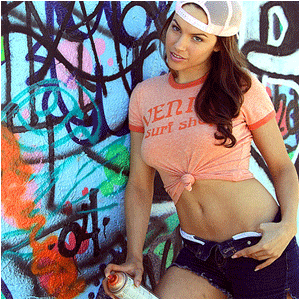
Open up a picture of a random person; (I used this lovely SbB-model)
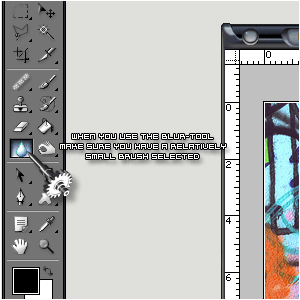
Get the blur-tool and choose a brush-size that fits the composition;
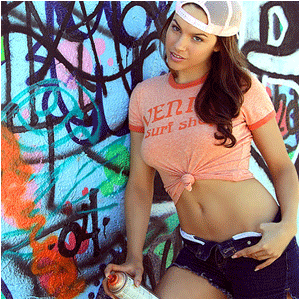
Blur ALL the skin of the person and make her/him look like a model;
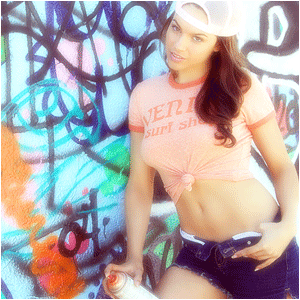
Copy the layer, give it a Gaussian Blur of 2 pixels and set the blending-mode to "Screen";
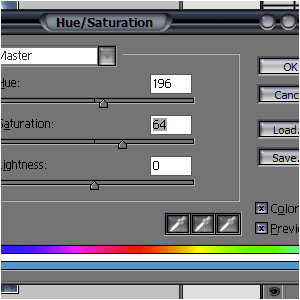
Press CTRL+SHIFT+E and CTRL+U and add these options;
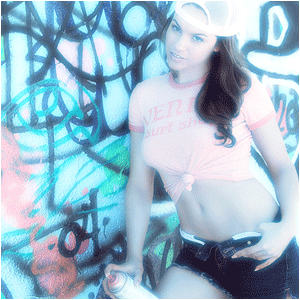
Then it should look a bit like this...


 Level: Beginner Software:
Photoshop
Level: Beginner Software:
Photoshop 