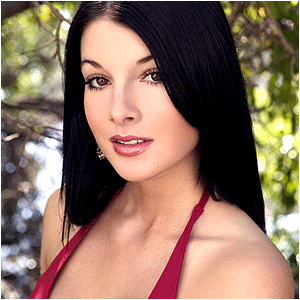
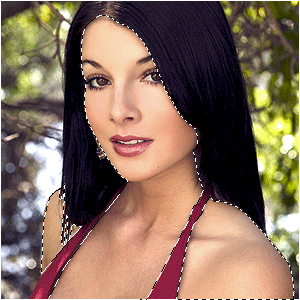
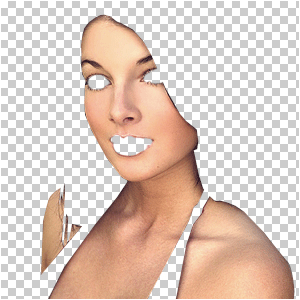
Select all her skin with the pen-tool or some other tool
(note: when you know how to use the pen-tool, use it! the pen-tool can
make a lot of difference
);
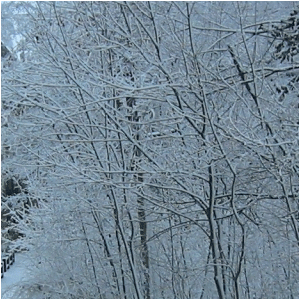
Open up a picture of a forest you would normally see in winter and copy it into your document;
Set the blending-mode to "Vivid-light";
Press CTRL+G;
Lower the opacity to a wanted amount;
Desaturate the forest by pressing CTRL+U and slide the middle arrow ALL THE WAY to the left;
Now select the skin-layer again;
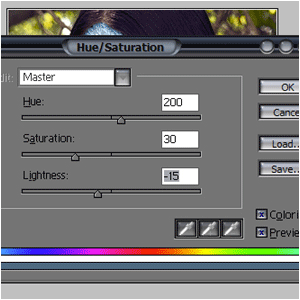
Press CTRL+U and add these settings;
Duplicate your skin-layer and set the blending-mode to "Overlay";
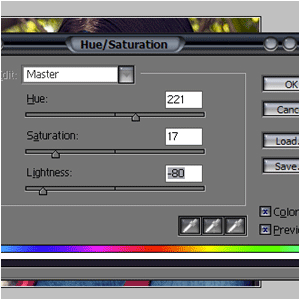
Press CTRL+U again, but now add these settings;
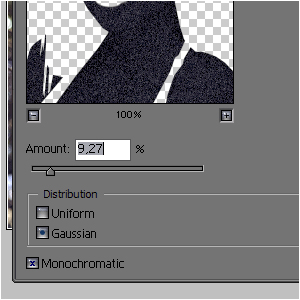
Goto FILTER>NOISE>ADD NOISE and add some dots;
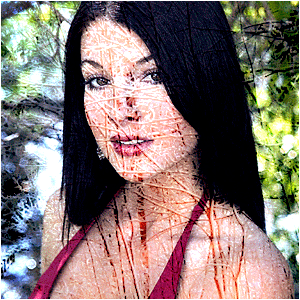
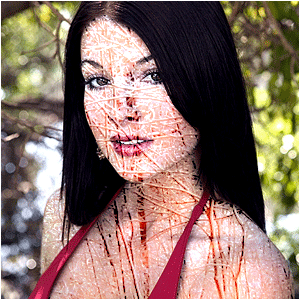
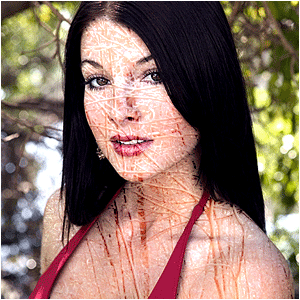
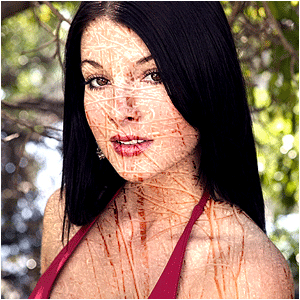
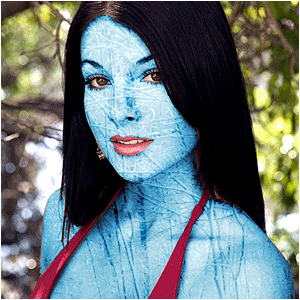
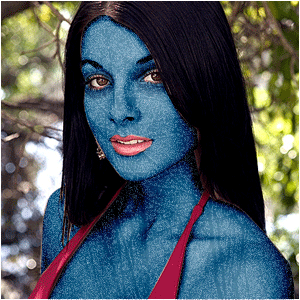
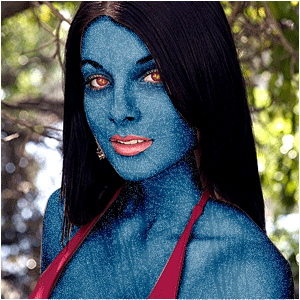
And there you have Mystique, the gorgeous and deadly beauty!
Change the eye-color for an even more evil-look ;)