Her
Home
Photoshop Tutorials
Photo Editing
Spray my ride
Spray my ride
Author: MickM.com
Author's URL: www.mickm.com
More by this author
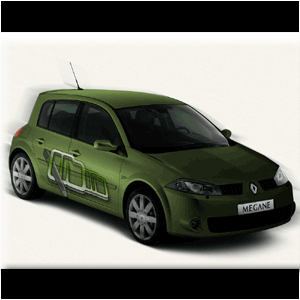
PIMP MY RIDE!
Many people requested this effect because they had many difficulties with it...
The "real" problem, using the pen-tool, was sometimes the
major error, but once you get the hang of it, this tutorial will be a
piece of cake!
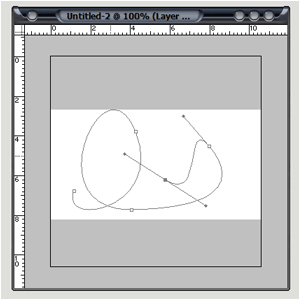
1st, the pen-tool! The pen-tool is the most detailed and
precise tool there is. Unlike the polygonal-lasso tool, this tool DOES
make curves when you want one!
Experiment a little with the pen-tool before starting this tutorial to see how it works...
Let's get it started! I've chosen a picture of a silver Reneault Mégane©;
Now, get the pen-tool and start selecting everything you want to spray:
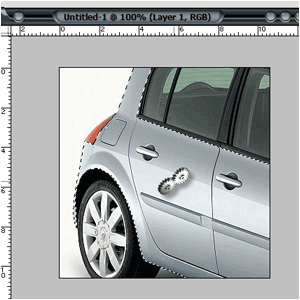
Right click with the pen-tool and click "make a selection" and press OK;
Copy the selection and paste it into a new layer;
Desaturate by pressing CTRL+U and make it black&white and add a gradient with the blending-mode to "multiply";
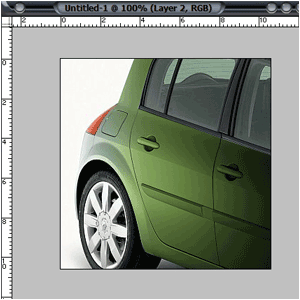
You can also add some vinile or a logo, new rims, a new hood,
a spoiler and window tinting, but that is something you need to figure
out yourself ;)