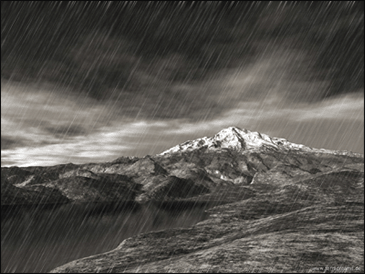
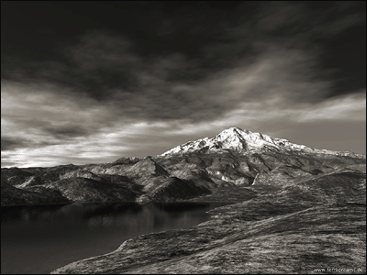
1. Open your image on which you want to apply the digital rain, I got mine from www.terradreams.de
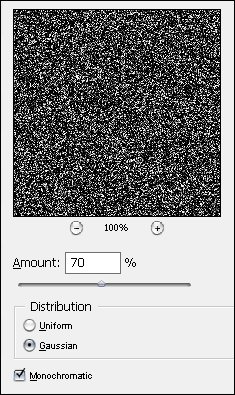
2. Create a new layer (Ctrl+Shift+N) and fill it with black (Hit D to reset your colors) Next up is Filter > Noise > Add Noise
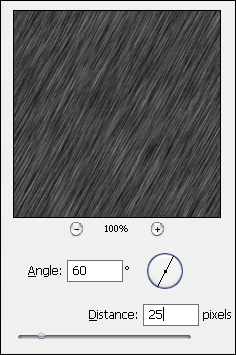
3. Filter > Blur > Motion Blur
4. Change the blending mode to screen and look! Its raining !!
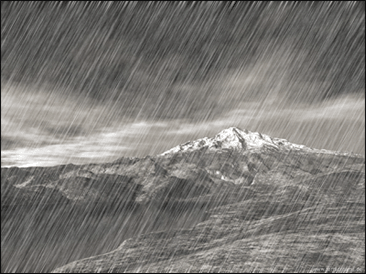
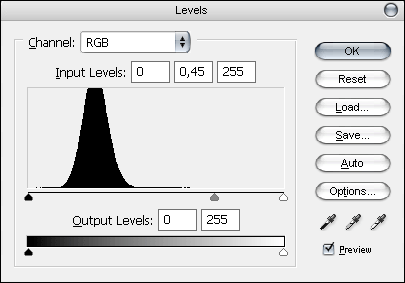
5. Almost there.. Go to Image > Adjustment > Levels (Ctrl+L) and slide the middle grey arrow to the right to make it softer or to the left to make it rain harder