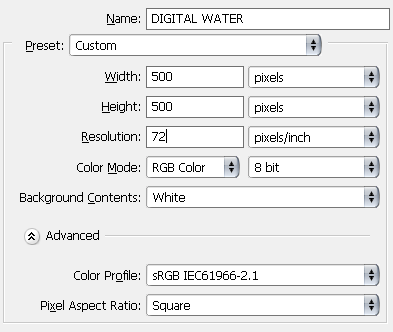
1. Create a new document (Ctrl+N). 500x500 should do the trick Make it white and hit D to reset your colors
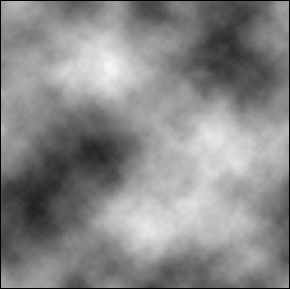
2. Filter > Render > Clouds
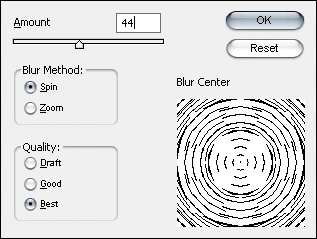
3. Filter > Blur > Radial Blur
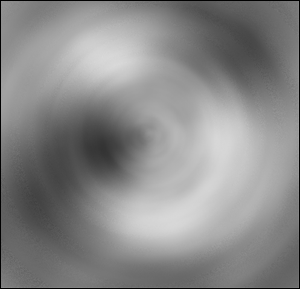
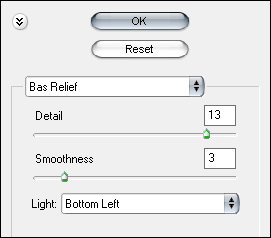
4. Filter > Sketch > Bas Relief
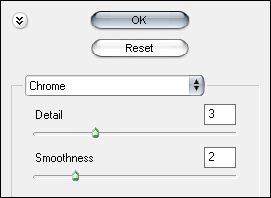
5. Filter > Sketch > Chrome
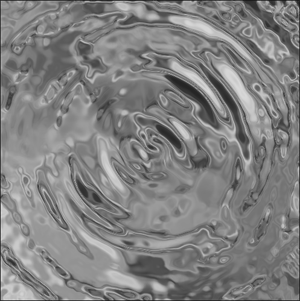
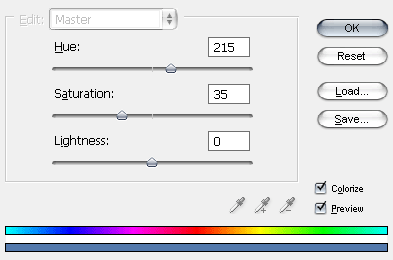
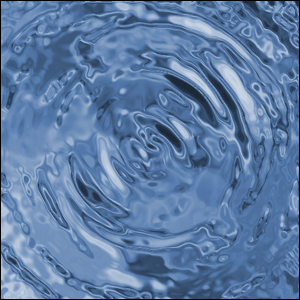
6. Final Step: Ctrl+U a.k.a Hue/Saturation chose a value between 35 and 65 for Saturation