Her
Home
Photoshop Tutorials
Drawing Techniques
Nintendo DS
Nintendo DS
Author: MickM.com
Author's URL:
www.mickm.com
More by this author
Added:
May 02, 2005
Rating:
Level:
Professional
Software: Photoshop
Create 2 retangles with the Rounded Retangle-Tool, one smaller then the other, no matter what color;
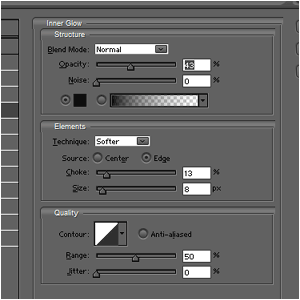
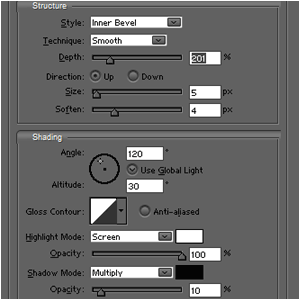
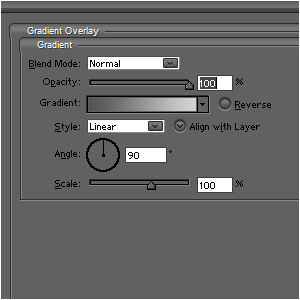
Add this layer-style to the top-most retangle;
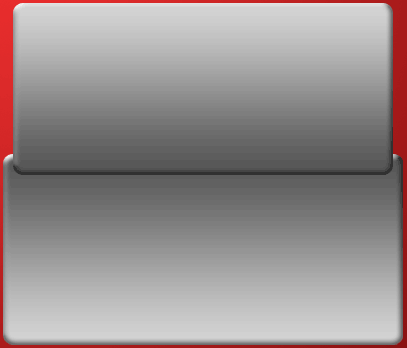
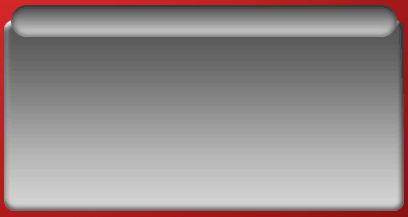
It will look like this;
Do the same with the lower retangle, but this time, REVERSE the gradient;
Now comes a hard part;
Create a small orb with the Elliptical Marquee-Tool and fill it with black;
Select the Move-tool and press ALT+[arrow-right] until the bar is long enough;
After that, merge all the orb-layers until you have 1 solid bar-layer;
Give it the same layer-style as the lower part of the DS;
Do this by right-clicking on the DS-layer and select "copy layer-style";
Now right-click on the bar-layer and click "paste layer-style";
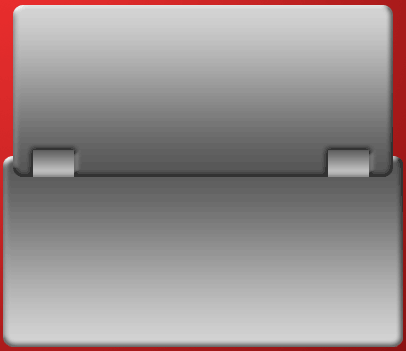
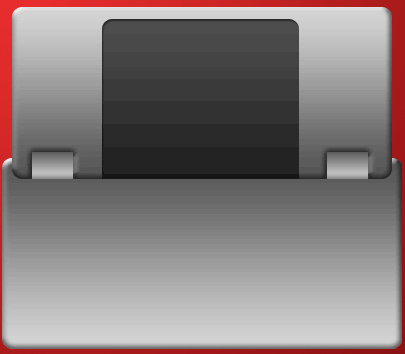
Place it like this;
Cut 2 ratangles out of the top of the DS;
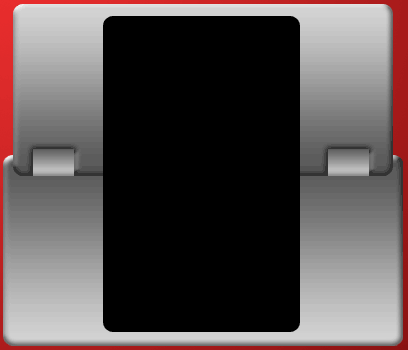
Create a rounded retangle, fill it with black and DUPLICATE it;
Place each one above the top and the bottom of the DS;
Press CTRL+G on each layer;
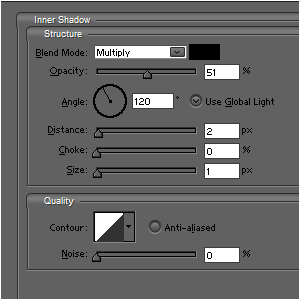
Give it this Inner Shadow and lower the opacity to 70%;
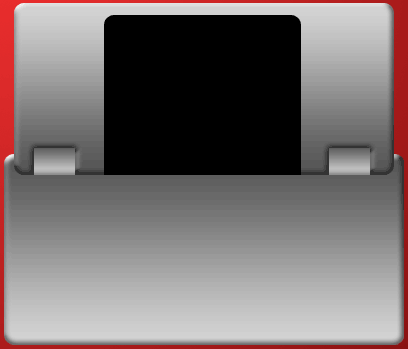
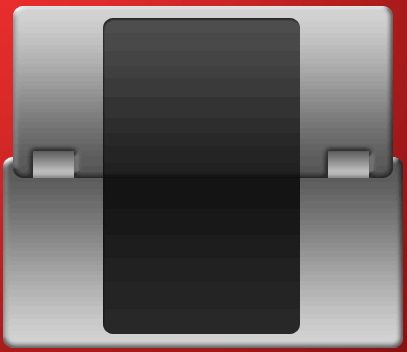
The results:





 Level: Professional Software:
Photoshop
Level: Professional Software:
Photoshop 