Her
Home
Photoshop Tutorials
Color Management
Color a drawing
Color a drawing
Author: MickM.com
Author's URL:
www.mickm.com
More by this author
Added:
May 02, 2005
Rating:
Level:
Professional
Software: Photoshop
Color a pencil-drawing
Open a drawing of your own;
I used a part from the Christmas-card I designed for my family (NOTE: DO NOT TRY TO COPY, A LOT OF PEOPLE KNOW THIS DRAWING);
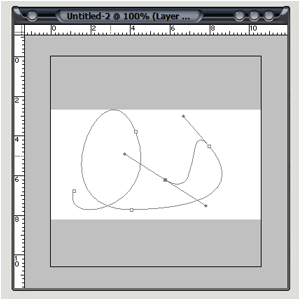
Use the pen-tool (You can only use the pen-tool for this tutorial) to trace the lines;
When you traced them, stroke them and choose a small black brush (Trace it parts, It can't all go in one time);
Create a new layer underneath the lines and color with ONE color;
Then use the Burn- and Dodgetool to highlight and shadow parts;
Color every part of the drawing seperate;
Take your time, no need to rush - This can and will take long;
You can also decide to make highlight and shadow with the selection-tools to get a cutout-effect;
You must use the blur-tool and the eraser wisely - Don't erase too much, and don't blur too much;
When you're done, think of a background that fits in the composition;
And you're done... (I made my background dark-blue, because it was night on the Christmas-card);









 Level: Professional Software:
Photoshop
Level: Professional Software:
Photoshop 