

1. Start a new image (Ctrl + N), I used 477x350
2. Press 'D' to reset the colors
3. Filter -> Render -> Clouds
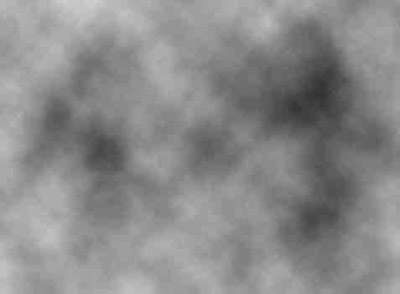
4. Filter > Distort > Wave, (Use all default settings, except change the type to 'Triangle')
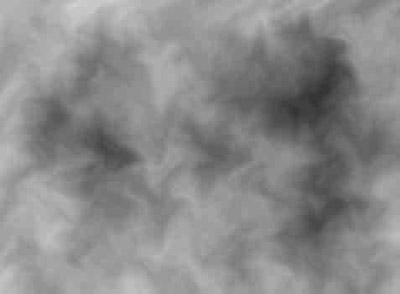
5. Image -> Adjustments -> Hue/Saturation (Colorize it...I set the Hue to '250')
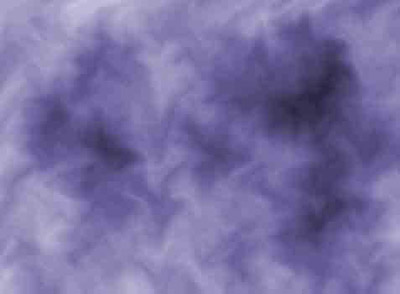
6. Create a new layer
7. On the new layer, Filter > Render > Clouds
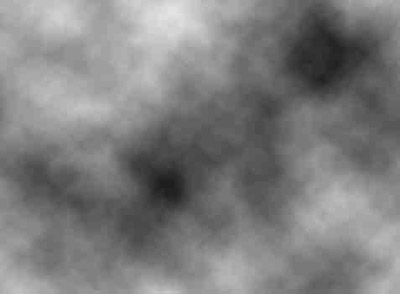
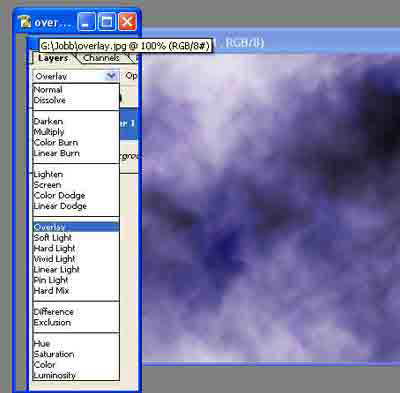
8. Set the layer blending mode to 'Overlay'
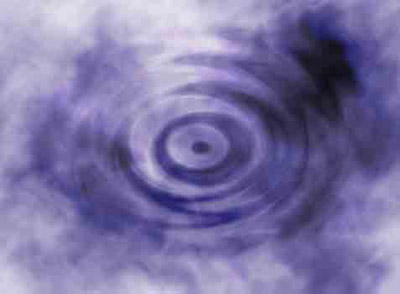
9. Filter -> Distort -> Zigzag, play around whit the settings
10. Image -> Adjustments -> Hue/Saturation (Colorize it... I set the Hue to '360')
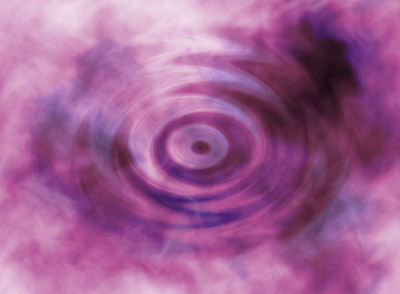
Now u can lay back and relax :)
