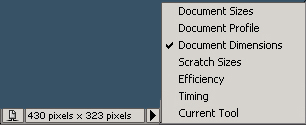
1. Open your image, select the Rectangular Marquee Tool and in the Options Bar select Style: Fixed Size, chose Width 1 px, the height is up to you according to your image. You can easily find out what the dimensions are of your document. At the bottom you see a little black arrow, click on it and chose Document Dimensions, the second value is your height, use this value for Fixed Size

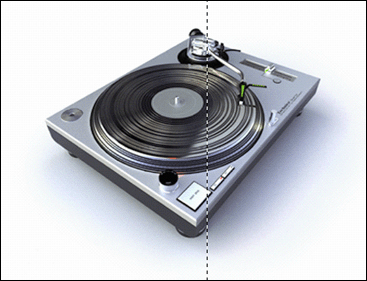
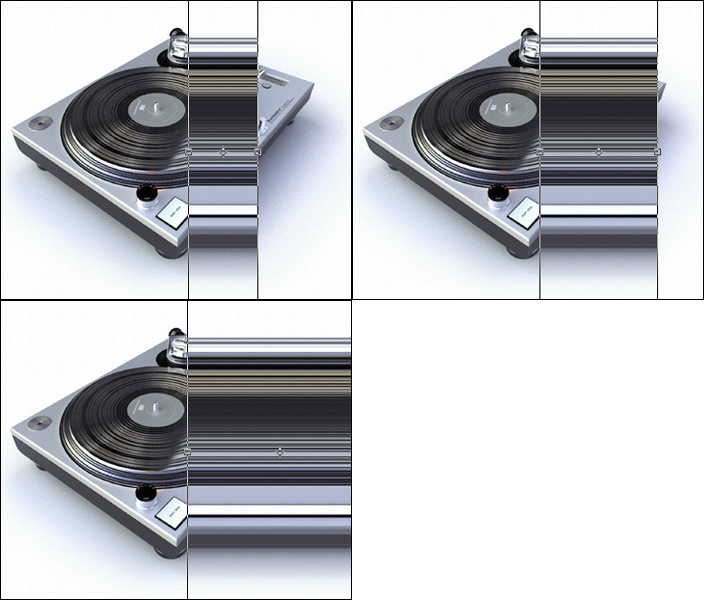
2. Click on your image where you want to start Pixelstretching, you see a perfect line appear of 1px and "yourvalue" px. Hit Ctrl+C to copy and Ctrl+V to paste, now you have two layers. Don't deselect but hit Ctrl+T, this is the Transform Tool. Drag your selection open to the right and hit Enter
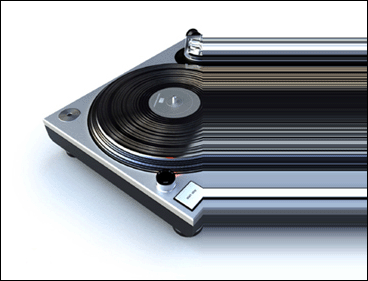
Neat huh?