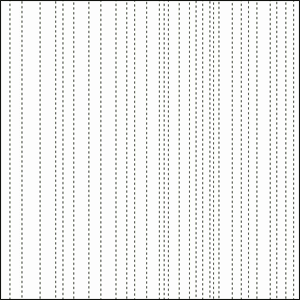
1. Create a new document (Ctrl+N) and create a new layer by clicking Ctrl+Shift+N. Grab your Rectangular Marquee Tool and draw a whole bunch of thin lines from top to bottom while holding the Shift key
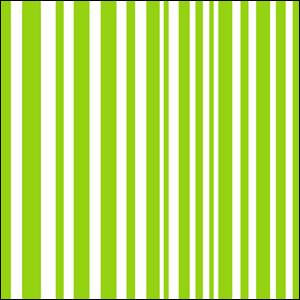
2. Select a color of your choice and hit Alt+Backspace to fill your rectangles
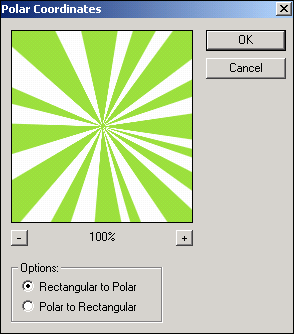
3. Filter > Distort > Polar Coordinates
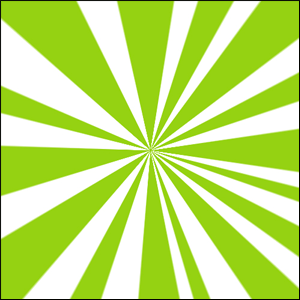
4. There you go, you just created your standard Star Burst, but why stop here, lets add some fx to it to spice it up
5. Go to Layer > Layer Style > Satin
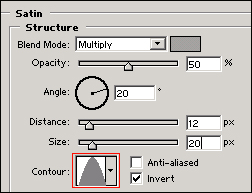
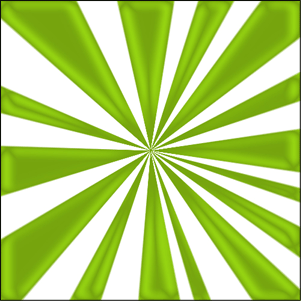
6. Next up is Gradient Overlay (Layer > Layer Style > Gradient Overlay)
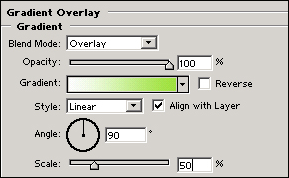
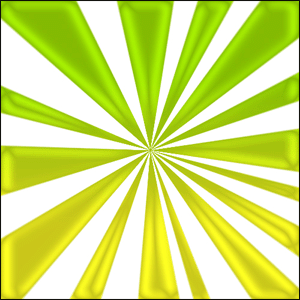
OK, im going to stop here, be sure to try out the other layer styles and/or adjust my settings, you never know what neat effect you run into..
