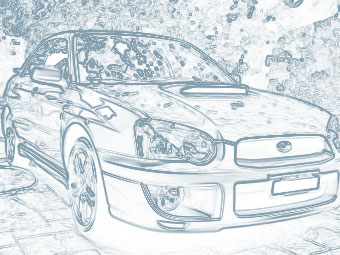
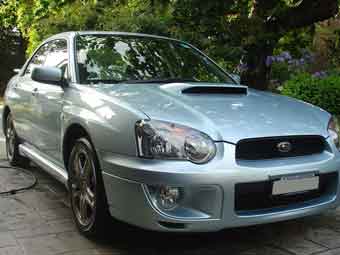
1. Open up your existing image you would like to turn into a freehand drawing.
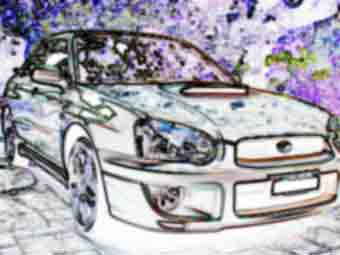
2. Now use Filter > Stylize > Find Edges.
3. Press Ctrl + U and set Hue to 0, Saturation to -100 and Lightness to around 60. Note: Do not check colourize as we normally do!
4. You can leave it there as a pencil drawing or add a light blue shade to it also. Enjoy!