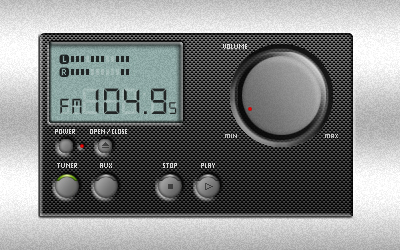
Open a new document with transparent background and 4x4 px. Rightclick Brush Tool and grab Pencil Tool and set the diameter to 1 px in Options Bar.
Grab Zoom Tool and zoom into 1600% and paint the document like the picture below.
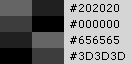 (viewed in 1600%) |
The colours is showned for the right column.
Go to Image > Define Pattern and name it.
When you're going to use the pattern, go to Layer > Layer Style > Pattern Overlay and find it there.
Finish!