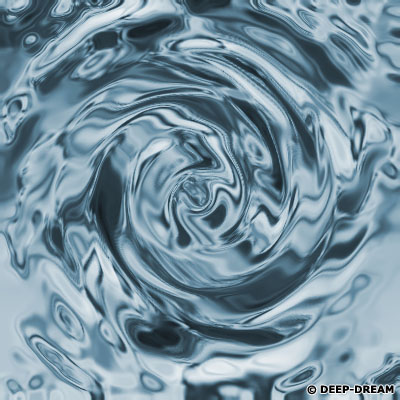
Step 1:
Create a new document with transparent background. I create 400x400 (Pixels).
Step 2:
Now press (D) to reset your foreground and background colours.
Step 3:
Now go to Filter -> Render -> Clouds.
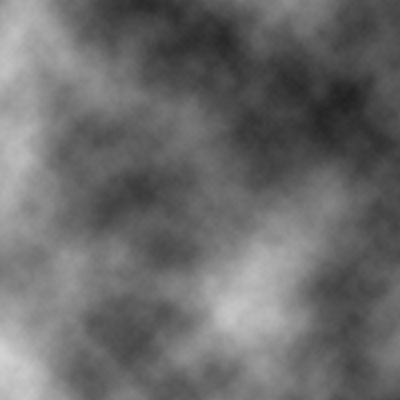
Step 4:
Go to Filter -> Blur -> Gaussian blur. And follow these setting.
Radius: 2 Pixels.
Go to Filter -> Blur -> Radical blur. And follow these setting.
Amount : 30
Blur method : Spin
Quality : Best
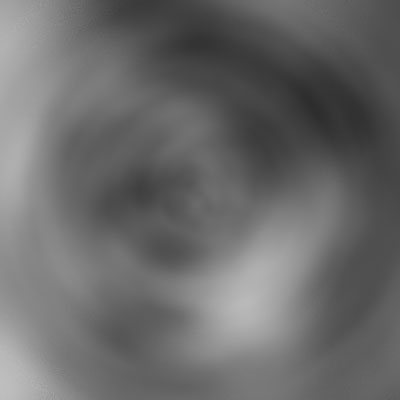
Step 5:
Go to Filter -> Sketch -> Bas Relief. And follow these setting.
Detail : 12
Smoothness : 10
Light Direction : Bottom
Go to Filter -> Sketch -> Chrome. And follow these setting.
Detail : 10
Smoothness : 5
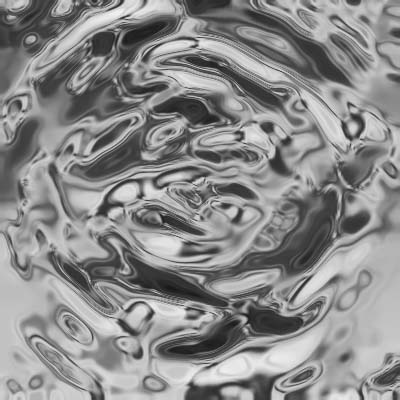
Step 6:
Go to Filter -> Distort -> Twirl. And follow these setting.
Angle : 200
Go to Filter -> Distort -> ZigZag. And follow these setting.
Amount : 10
Ridges : 5
Style : Pond ripples
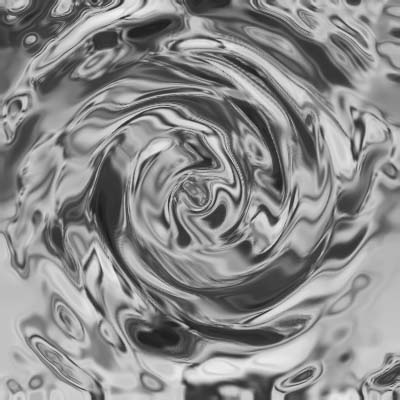
Step 7:
Go to Image -> Adjust -> Hue/Saturation. (Ctrl + U).
I Use these setting.
Make sure you check the Colorize Box.
Hue : 200
Saturation : 25
Lightness : 0
Result: