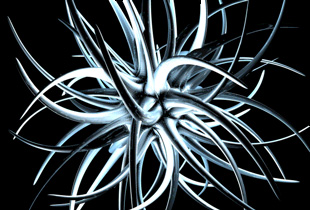
Open up a new image in Cinema 4D. Go to objects>>primitive>>platonic. Set the radius at 100, the segments at 1, and the type at bucky. Press C on your keyboard.
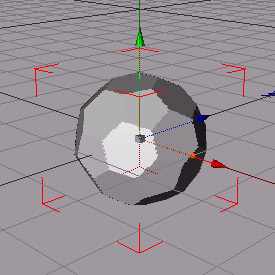
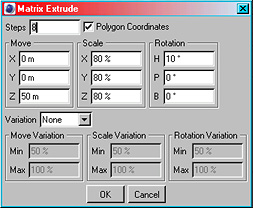
Go to structure>>edit surface>>matrix extrude. Use the settings below.
It should look like this:
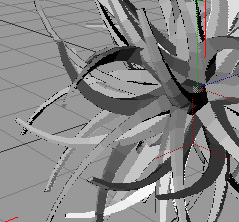
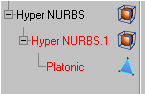
Go to objects>>NURBS>>hyper NURBS, and drag platonic into the first one. Next drag the first hyper NURBS into the second one. It should look like below:
Add material, lighting, etc... and you're done! Here is my finished image:
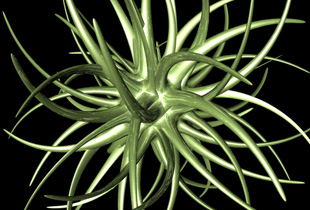
And with lighting effects: