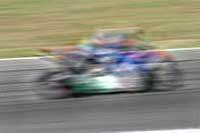
1 | 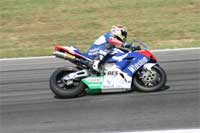 | Open an image to edit. |
2 | 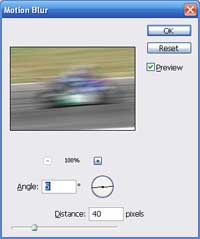 | Apply a Motion Blur filter (Filter> Blur> Motion Blur). Remember the Angle used in this step. |
3 | 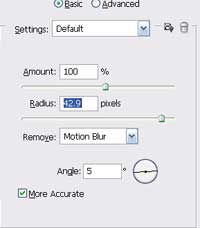 | Use the Smart Sharpen filter (Filter> Sharpen> Smart Sharpen) to apply the following properties: Amount: 100% Remove: Motion Blur Angle: Angle used in the previous step More Accurate: Checked Radius: Increase the value to create a more visible image. |
4 | Rollover the image to view the the image with just the motion blur filter applied. | |
Her
Camera Motion Blur
Added:Jul 11, 2005 Rating:

 Level: Beginner Software:
Photoshop
Level: Beginner Software:
Photoshop
Level: Beginner Software:
Photoshop