1 | 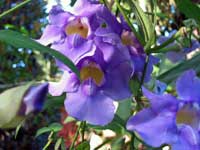 | Open the image for editing. |
2 | 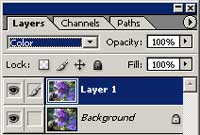 | Duplicate the current layer (Ctrl+J) and change the blending mode of the new layer to Color. |
3 | 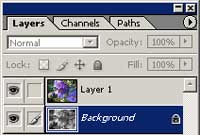 | Select the layer Background and desaturate (Ctrl+Shift+U). |
4 | 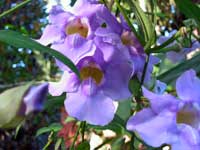 | Rollover the image in this step to see the original image before this Photoshop technique was applied. |
Her
Equalized Colours
Added:Jul 13, 2005 Rating:

 Level: Beginner Software:
Photoshop
Level: Beginner Software:
Photoshop
Level: Beginner Software:
Photoshop
